Docker
For Developers
by
Adam Eivy \[._.]/
What's this about?
- The problem
- The dream solution
- What Docker is and how it works
- Why you shouldn't have to care
The Problem
How do I setup a dev environment?
(⊙.☉)7
I think John knows...
We used to have a shell script
The README is outdated/empty
You need two versions of Java/Ruby/Python
Project A conflicts with Project B
What is Nokogiri and why won't it compile?!
Software Config
is
Painful
Next Person
- OSX / Windows versioned
- Java updated
- Node/NPM updated
- etc...
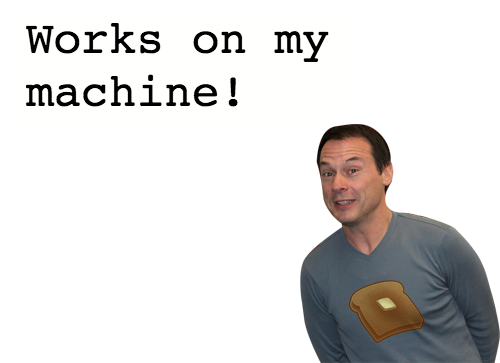
ಠ_ಠ still doesn't work on my machine
And Production is Different!

The Dream
git clone git@github.com:$ORG/$PROJECT.git
cd $PROJECT
./dev init
\[._.]/ - go get a cup of coffee
Not Required!
- Any prerequisite software (Java, Maven, NPM)
- Any prerequisite configuration
- Any prerequisite knowledge of the stack
\[◕ ◡ ◕]/ - Happy DevOps!
End Result
- Runs in a sandboxed environment
- I can use my own IDE
- same versions of software as everyone else
- same software as production
\[◕ ◡ ◕]/ - Happy Developers!
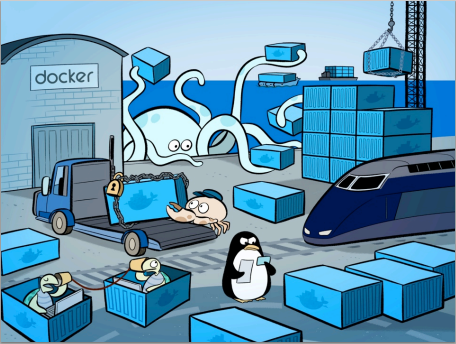
Enter Docker
What is it?
- Consistent Environment (Sandbox)
- Entire image is an artifact
- Versioned repo of image changes
- Everyone runs the same versions of deps!
- FAST!
Creating a Base Image
Example
docker run -i centos:7 /bin/bash
    yum update -y
    rpm -Uvh http://download.fedoraproject.org/pub/epel/7/x86_64/e/epel-release-7-5.noarch.rpm
    yum install -y npm
    npm install -g pm2
    # need this for npm install
    yum install -y make
    exit
# use container hash
docker commit -m 'node.js and pm2' -a "Adam Eivy" 9b93f815330f atomantic/pm2
docker push atomantic/pm2
Building the Container
Dockerfile
FROM    atomantic/pm2:v2
# Bundle app source
ADD app /app
WORKDIR /app
# could run PROD on my dev machine :)
ENV APP_ENV DEV
EXPOSE 3000
CMD ["/app/exec"]
docker build -t dockerized .
Multiple Services
docker-compose.yml
web:
  build: .
  ports:
   - "4103:3000"
  volumes:
   - ./app:/app
  links:
   - memcached
memcached:
  image: memcached
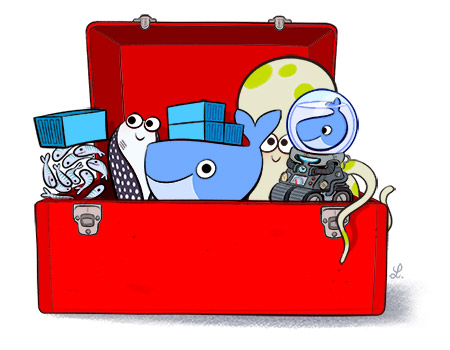
Tools and Terms
Docker Engine
Docker Swarm
Docker Compose
Docker Machine
Docker Hub
Docker Registry
Dockerfile
Vagrant/VirtualBox
boot2docker
containers
images
More Googling!!!
- Why isn't docker-compose using the env_file?
- Why can't I sync my volume to VirtualBox?
- Why is live-reload not working?
- Docker updated and now the tools changed...
- Why doesn't it work when I VPN?
- etc...
Nothing to do with my app...
\(• ◡ •)/ - these problems are shared!
wait...
What happened to `dev init`?
ಠ_ಠ
Dockerization Generator
npm install -g yo git://github.com/atomantic/generator-dockerize.git
yo dockerize
Manages Docker, Not Your App!
- Simple bash scripts!
- Idempotent software install
- App is configured in Dockerfile
- Port, name, etc, configured in dev.config.sh
- Automates solutions
Simple Commands
./dev init./dev restart./dev shell./dev start./dev stop./dev test
./dev init./dev restart./dev shell./dev start./dev stop./dev testAutomation
is